> For the complete documentation index, see [llms.txt](https://docs.xenioo.com/llms.txt). Markdown versions of documentation pages are available by appending `.md` to page URLs; this page is available as [Markdown](https://docs.xenioo.com/mobile-app/broadcast/dynamic-fields.md).
# Dynamic Fields
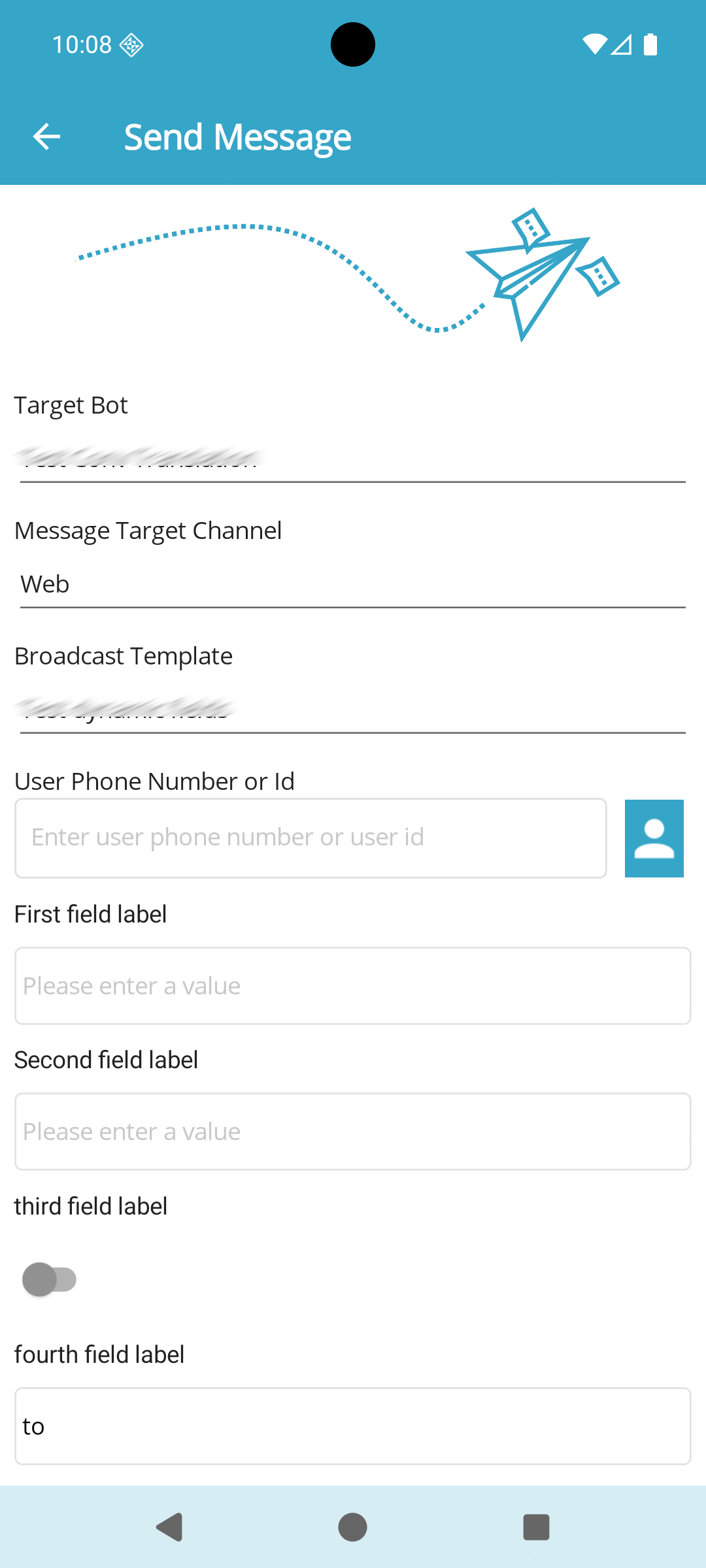
When sending a broadcast, dynamic fields configured for the message will appear as a list for you to fill out. These fields allow you to set variables used within the message. Fields marked with a red asterisk (\*) are mandatory, while others are optional.
Start by visiting a page like this:
Select a broadcast with dynamic fields, fill in the required information, and click 'Send Message' at the page's bottom to dispatch the broadcast.
| **Field type** | **Description** |
| -------------- | ------------------------- |
| Text | Single line text input |
| Text Area | Multiline text input |
| Number | Single line numeric input |
| Dropdown | Single option dropdown |
| Checkbox | Flag true or false |
| Option Button | Multioption dropdown |