> For the complete documentation index, see [llms.txt](https://docs.xenioo.com/llms.txt). Markdown versions of documentation pages are available by appending `.md` to page URLs; this page is available as [Markdown](https://docs.xenioo.com/mobile-app/conversation/my-bots.md).
# My Bots
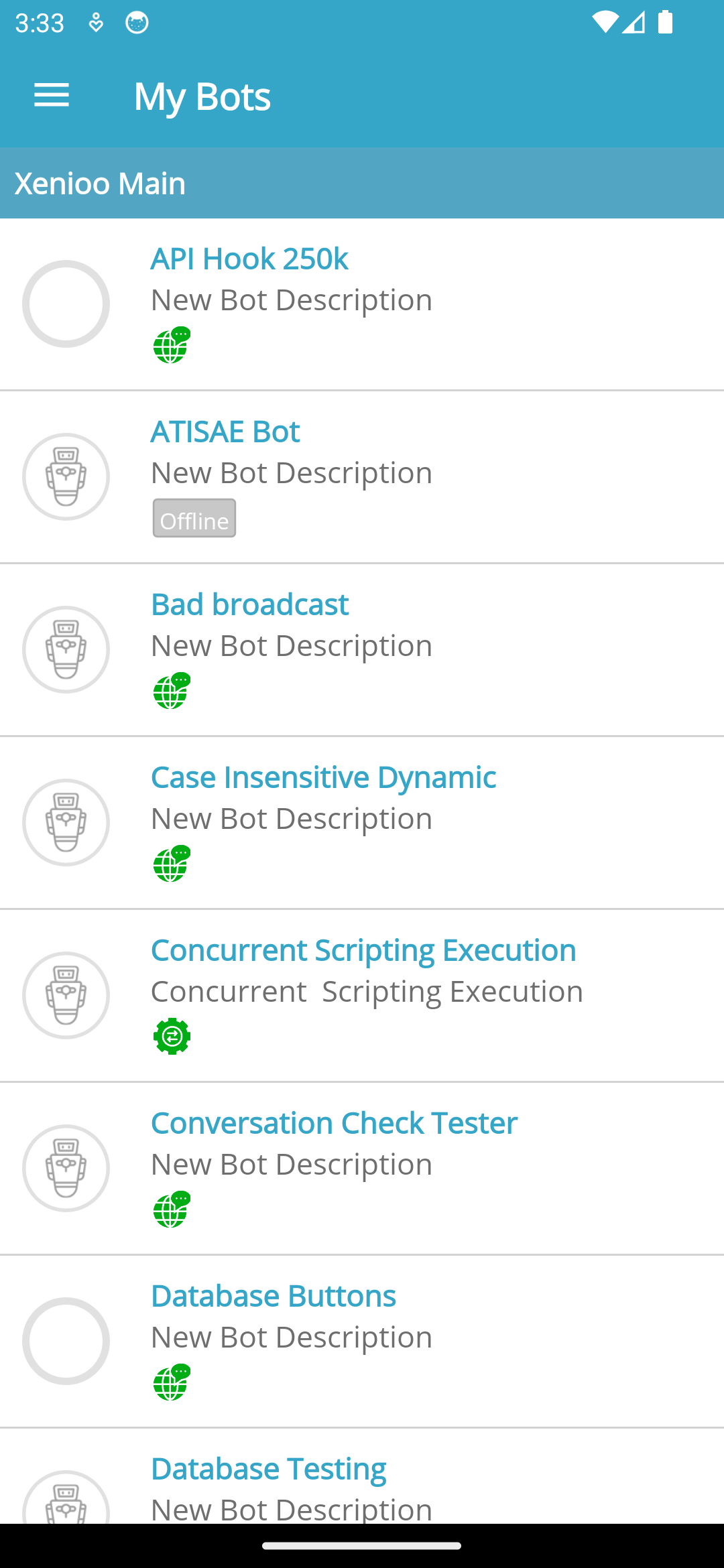
The "My Bots" section serves as your main hub for managing and overseeing all bot activities within the mobile app.
**Viewing and Accessing Bots**
This section provides a structured list of bots relevant to you:
* **Bots Included**: View all bots linked to your account and those you're invited to manage as an operator.
* **Organization**: Bots are sorted alphabetically and grouped by the associated account.
* **Channels**: Under each bot's name, see the list of channels (e.g., Facebook, WhatsApp) where it is active.
#### Navigating Conversations
**Monitor and engage with active user interactions:**
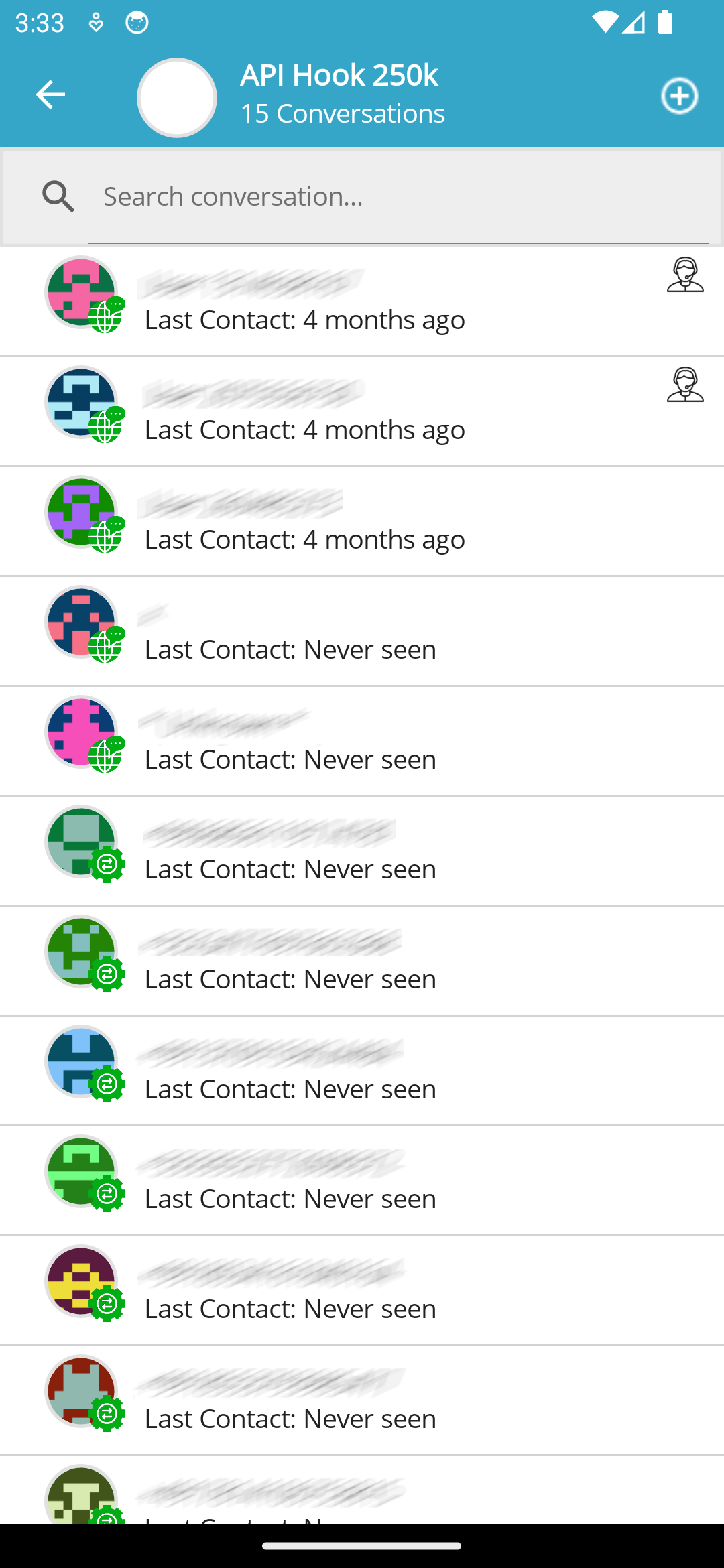
1. **Select a Bot:** Tap any bot from the list to access its dedicated Conversations Section.
2. **View All Activity:** This section provides access to every ongoing conversation for the selected bot.
3. **Start Chatting:** Tap any conversation to open the Chat Detail view and continue the discussion.
### Searching for Conversations
Use the **Search conversation** box to find specific interactions quickly. The search function starts automatically as you type and operates across these fields:
* Username
* Telephone Number
* First and Last Name
The search behavior is consistent with the desktop application.
#### Starting a New Interaction
To start a new message or broadcast:
1. Tap the **+** symbol in the top-right corner.
2. This opens the [**Send Message**](/mobile-app/broadcast/send-message.md) view, similar to the one in [**My Conversations**](/mobile-app/conversation/my-conversations.md).