> For the complete documentation index, see [llms.txt](https://docs.xenioo.com/llms.txt). Markdown versions of documentation pages are available by appending `.md` to page URLs; this page is available as [Markdown](https://docs.xenioo.com/mobile-app/login/microsoft-sso-login.md).
# Microsoft SSO Login
To use the MyLINKConnect app with Microsoft SSO, ensure you have a valid Microsoft account authorized by your organization and an existing account using the same Microsoft email.
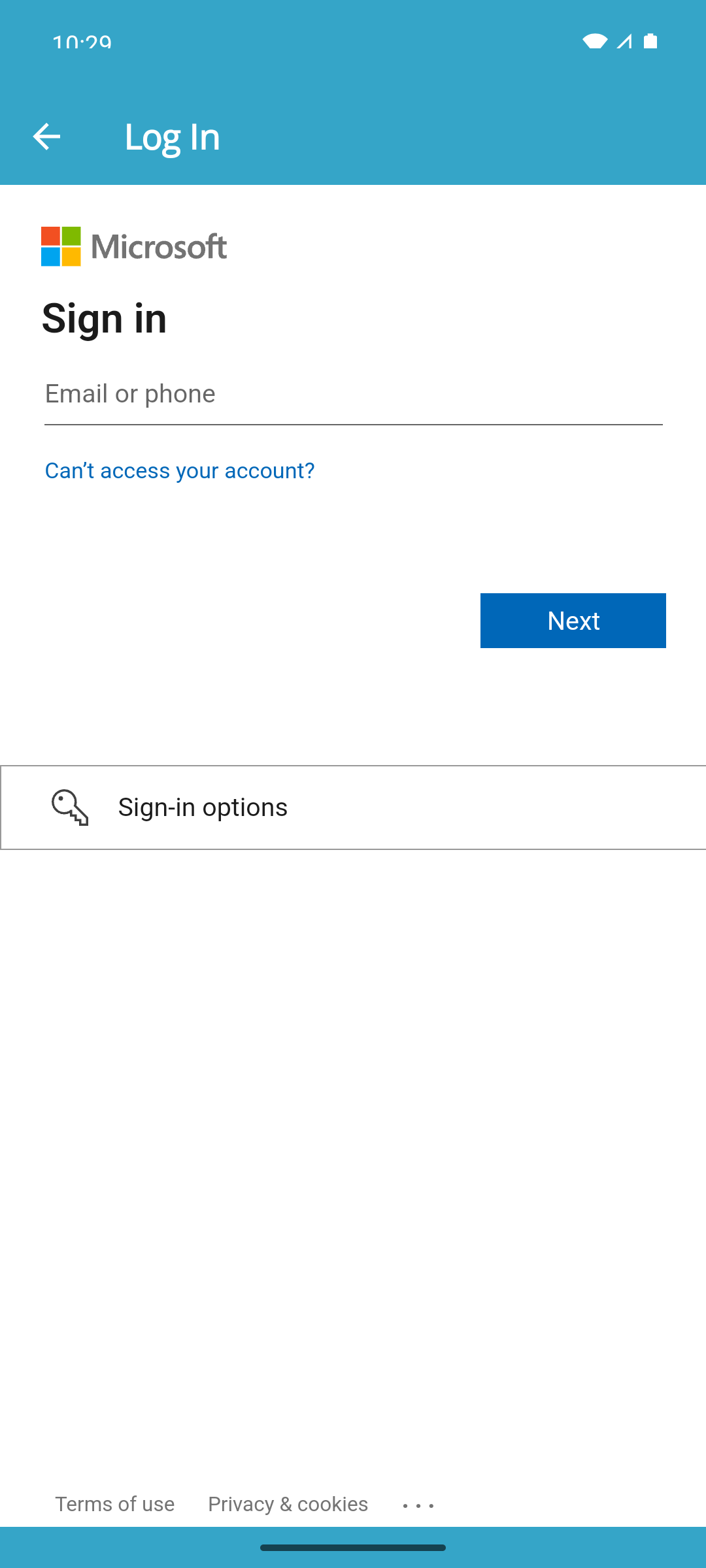
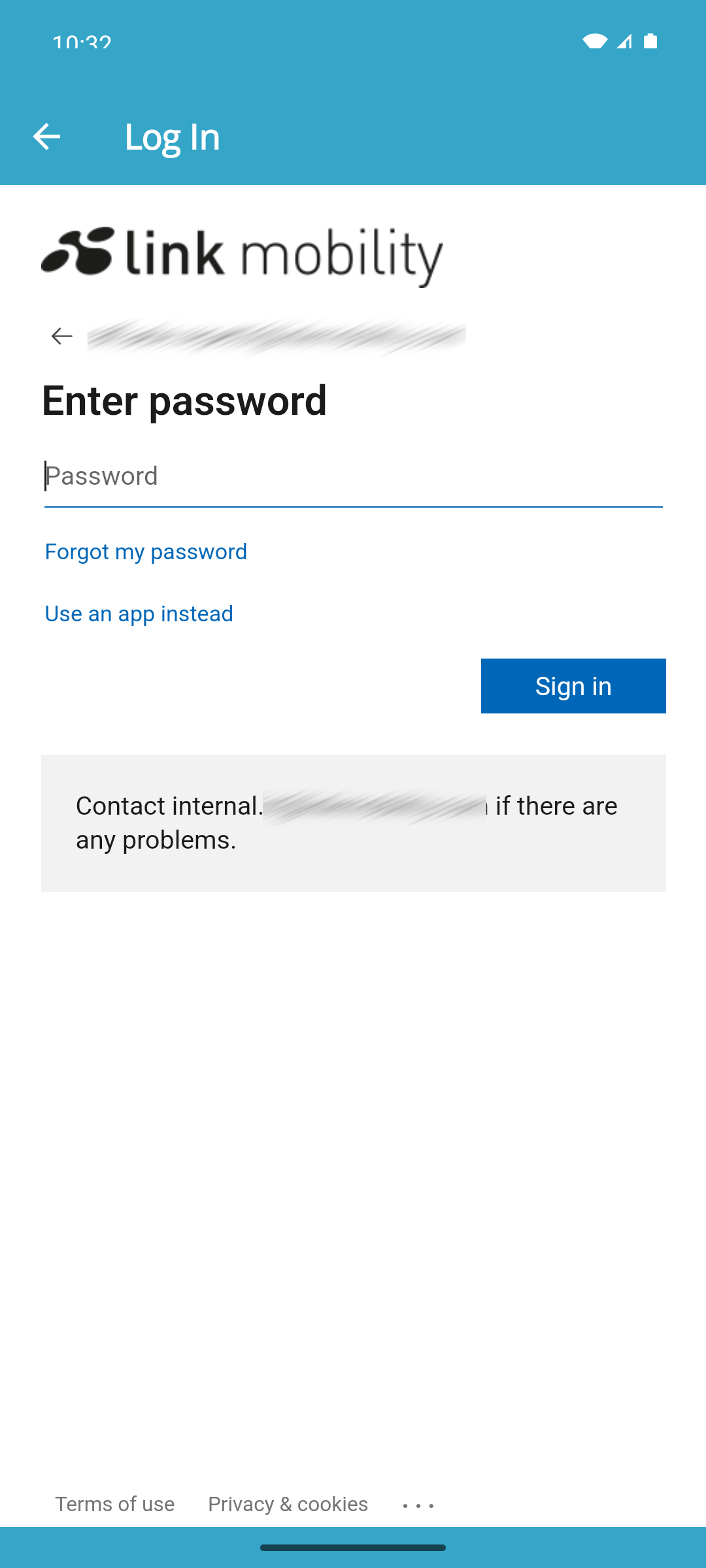
To proceed with the Microsoft login, follow these steps:
1. Enter your Microsoft email
2. Enter you Microsoft password
3. Once you've successfully logged in, you'll be directed to the [My Conversations page](/mobile-app/conversation/my-conversations.md).
{% hint style="info" %}
When you've previously logged in with valid Microsoft account credentials, the application will automatically use them, displaying only a loading screen.
{% endhint %}