> For the complete documentation index, see [llms.txt](https://docs.xenioo.com/llms.txt). Markdown versions of documentation pages are available by appending `.md` to page URLs; this page is available as [Markdown](https://docs.xenioo.com/basic-concepts/your-account/additional-contacts.md).
# Additional Contacts
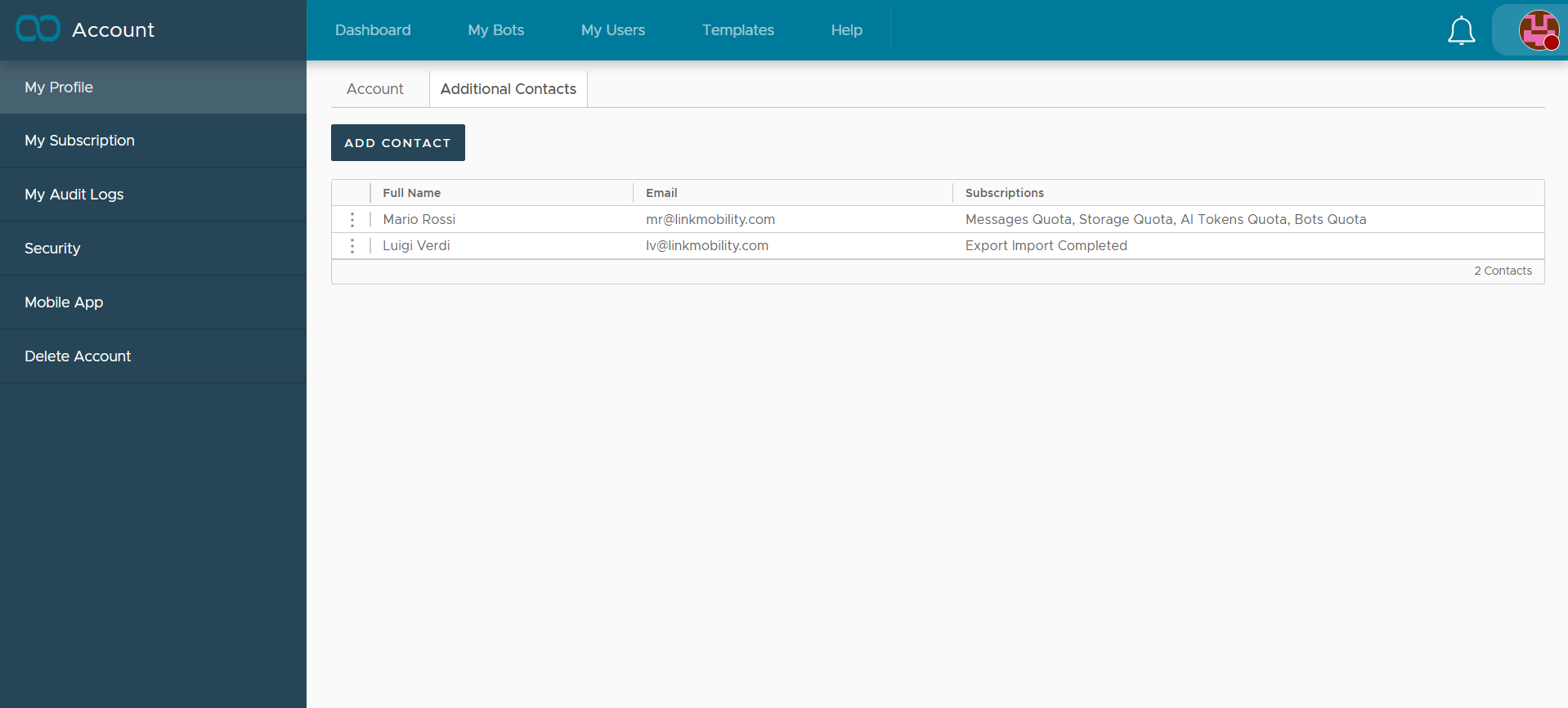
By default, all system alerts and platform notifications are sent to the Account Owner’s email address. If you need these updates sent to other team members or a different inbox, you can manage this through Additional Contacts.
{% hint style="info" %}
If no additional contacts are defined for a specific alert type, the notification will automatically default to the Account Owner.
{% endhint %}
### How to add a new contact
1. Navigate to your **Account Profile**.
2. Select the **Additional Contacts** tab.
3. Click the **Add Contact** button.
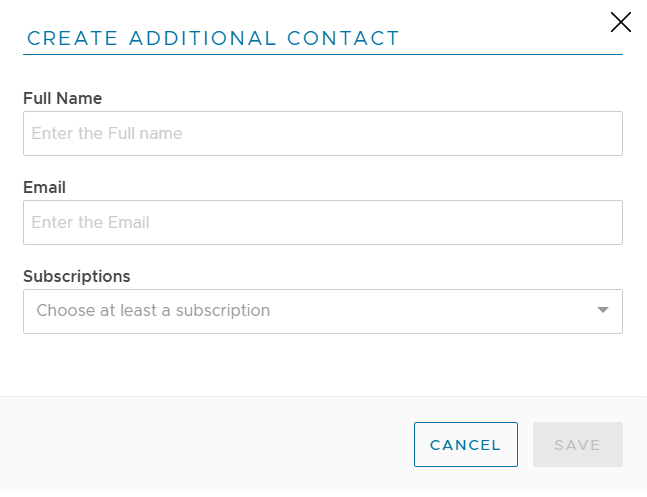
4. Enter the required details and **Save**.
### Supported Subscriptions
You can configure additional contacts for the following alert categories:
* **Message Quota**: Alerts when your message limit is reached.
* **Storage Quota**: Notifications regarding database or media storage limits.
* **AI Tokens Quota**: Alerts for AI processing limits.
* **Bots Quota**: Notifications regarding the number of active bots.
* **Export/Import Completed**: Data reports requested.
### Alert Logic
* **Thresholds**: Quota alerts are triggered once when you reach 75% and again at 100% of your available resources.
* **Plan Changes**: If you upgrade or modify your account plan limits, the tracking resets. You will receive new alerts if you hit the thresholds under your new plan.
* **Export/Import Emails**: These specific notifications are sent to all Additional Contacts as well as any email address specifically designated in the Report Email field.