> For the complete documentation index, see [llms.txt](https://docs.xenioo.com/llms.txt). Markdown versions of documentation pages are available by appending `.md` to page URLs; this page is available as [Markdown](https://docs.xenioo.com/basic-concepts/your-account/ip-whitelisting.md).
# IP Whitelisting
For scenarios where security is a priority, you may need to restrict platform access to specific IP addresses instead of leaving it public.
To meet this requirement, Xenioo now supports account-level IP whitelisting. This gives the account owner full control over which IP addresses can access the platform.
### How to enable or disable IP access
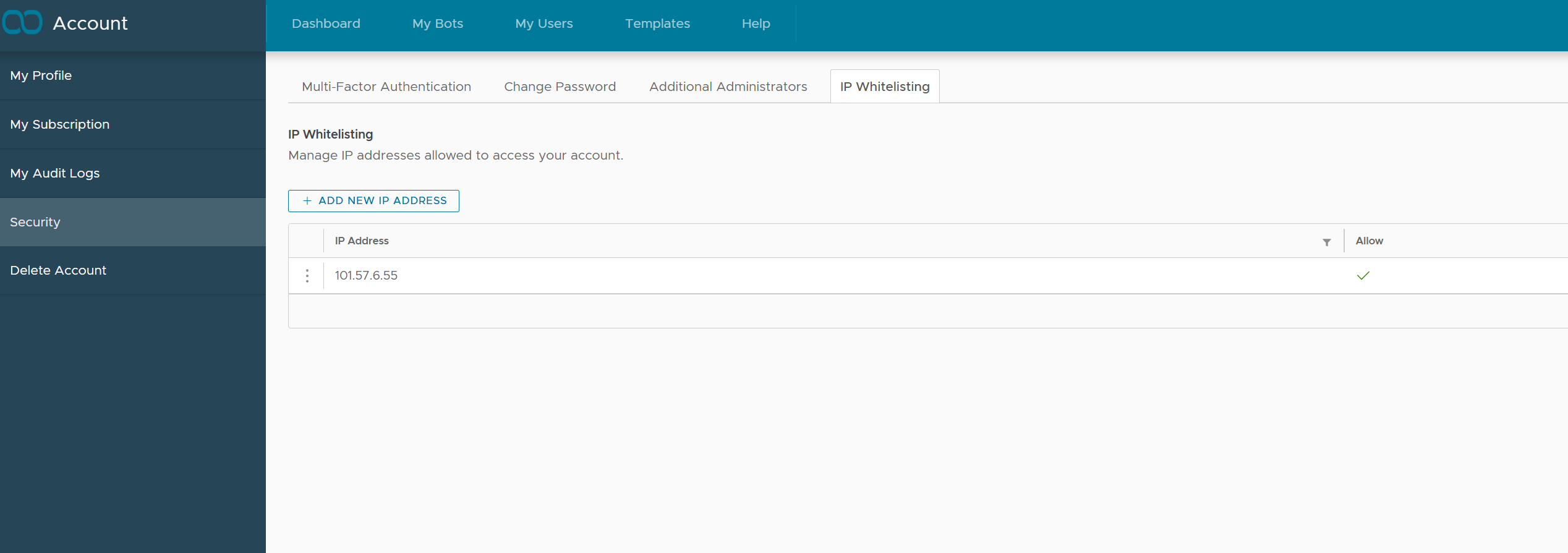
1. Go to your **Account Profile**.
2. Select the **Security** tab from the left sidebar menu.
3. Under **IP Whitelisting**, you can manage your IP access.
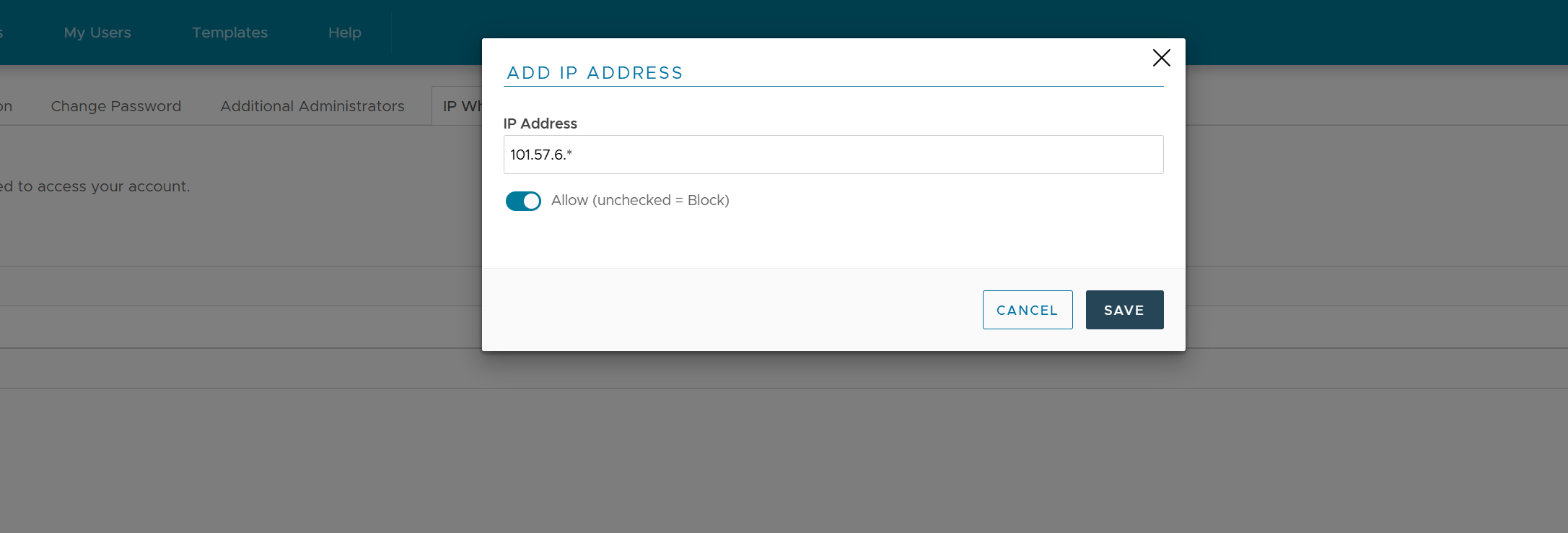
4. Click "Add New IP Adress" button to add a new IP address.
### Supported IP Whitelist Formats
Supported IP entries can be a single, specific address or a wildcard pattern, enabling you to whitelist either individual IPs or entire groups.
You can whitelist IP addresses using the following specific patterns:
* **Full IP Address:** `a.b.c.d` (where a, b, c, d are numbers)
* *Example: `192.168.1.1`*
* **Single-Level Wildcard:**
* `a.b.c.*` - Wildcard for the final octet
* `a.b.*` - Wildcard for the third and fourth octets
* `a.b.*.*` - Wildcard for the third and fourth octets (explicit format)
* `a.*.*.*` - Wildcard for the second, third, and fourth octets
* **Partial Wildcard (Prefix Match):**
* `a.b.c*` - Matches the fourth octet starting with the number `c`
* `a.b.c.n*` - Matches the fourth octet starting with the number sequence `n`
#### Notes:
* The letters `a`, `b`, `c`, `d`, and `n` represent valid numbers for IP octets (0-255).
* The asterisk `*` is a wildcard character that matches any digit or sequence of digits at that position.